

This coming weekend, it’s finally that time again: WordCamp Pisa 2026 takes place on 13 and 14 November at the University of Pisa. If you’re looking for more information, you’ll find it on the WordCamp Pisa 2026 website. The Contributor Day itself is free, but you need one of the (really affordable) tickets for the main event on Saturday.
I’m leading the Core table at Contributor Day, and this time we won’t start with Docker, Node, and Git by default (which of course remains an option), but with the WordPress Contributor Toolkit 2.0. We’ll put the claim to the test that setup no longer eats half the morning and that we get to the first ticket faster.
My Contributor Day slides since 2019
My old Contributor Day slides can now go into a well-deserved retirement. Officially, they were used, recycled and reused at WordCamp Milano 2019, Torino 2023 & 2025, and Verona 2023 & 2025. But I also remember other events where I happily shared the link: WordCamp Europe 2025 & 2026 and WordCamp US 2025 come to mind right away.
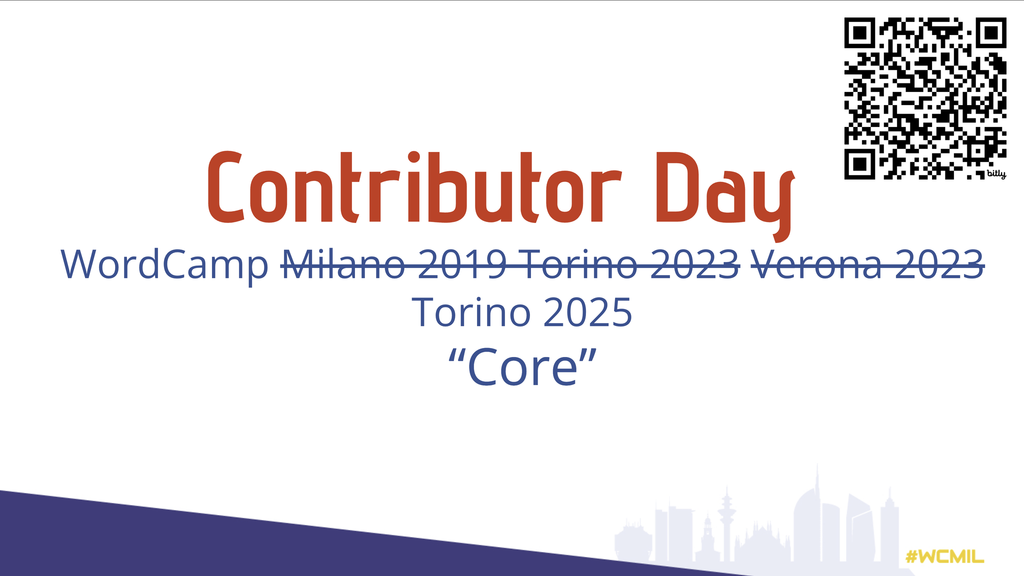
In principle, the instructions always worked somehow, but every laptop is different and comes with its own interesting pitfalls. A Docker account on the Mac, the wrong Node version, a company laptop without admin rights, and the classic: the Wi-Fi collapses when dozens of people run npm install at the same time. If you have more interesting anecdotes, feel free to share them in the comments.
The new Contributor Toolkit
The WordPress Contributor Toolkit desktop app (available for macOS, Windows and Linux) sets up a Core development environment without having to install Git, Node.js, npm or Docker on our machine. This not only removes the technical barrier for newcomers, it’s also meant to make the whole Core contribution process easier. The app fetches the existing work on a Trac ticket (patches, PRs), applies it and sends your own contribution back.
The official project was started by JuanMa Garrido, and the release lead for 2.0 is Ryan Welcher. By the way, Italian and German aren’t included yet. A language gets added as soon as it’s at least 80 % translated on translate.wordpress.org. That could be a perfect idea for the Polyglots table in Pisa: give the Italian translation a push.
Ready for the Core table, from 0 to 100 in 8 steps
- Download the app: grab the right file from the latest release (macOS
.dmg, Windows.exe, Linux.AppImage) and check the User Guide. - Create a site: “Create WordPress Core site”, pick a folder. The app clones wordpress-develop, installs dependencies and builds. Then start the dev server and click through the installer in the browser.
- Settings: enter your WordPress.org username and the event (WordCamp Pisa 2026).
- Link a ticket: paste the ticket number or Trac URL. Without a ticket, the app takes you to the Good First Bugs.
- Check existing work: the app lists PRs on wordpress-develop and patches on Trac, with the newest marked as “Latest”.
- Apply and test: preview the affected files, then “Apply and rebuild”. If a patch fails, the checkout stays unchanged.
- Edit and debug: editor, wp-admin, debug.log, terminal, Adminer for the SQLite database.
- Submit (“Review & submit changes”).
By the way, you can have several tickets per site, each with its own branch (ticket/N). So switching works without cloning again.
Bonus: Gutenberg issues work too (since 1.2), in case someone would rather work on the editor.
ScuolaWP: onboarding for WordPress newcomers
If you’re now wondering whether this is for you at all, maybe because you’ve only just started with WordPress, I have another interesting piece of news:
This time, Contributor Day also has a dedicated part where my friends from ScuolaWP will run onboarding lessons for WordPress newcomers. ScuolaWP is an Italian learning platform for WordPress that I co-founded. Our stated goal is to make WordPress knowledge practical and accessible to everyone.
A big thank you goes to Register.it: our partner’s financial support makes our participation in Pisa possible and gives ScuolaWP continuity.
Pisa photo by Pauline Lu on Unsplash
